> For the complete documentation index, see [llms.txt](https://help.mywayroute.com/llms.txt). Markdown versions of documentation pages are available by appending `.md` to page URLs; this page is available as [Markdown](https://help.mywayroute.com/v3/guides/managing-your-routes.md).
# Managing your Routes
Create, save, find, duplicate and complete your routes in MyWay Route Planner
{% hint style="info" %}
**Using MyWay on Android?** This page describes the iOS app version 3. See [Version 2 of this page](https://help.mywayroute.com/guides/managing-your-routes).
{% endhint %}
MyWay Route Planner allows you to create as many routes as you want. Creating routes is pretty simple. All routes are saved automatically after you make any changes.
## How to create a new route?
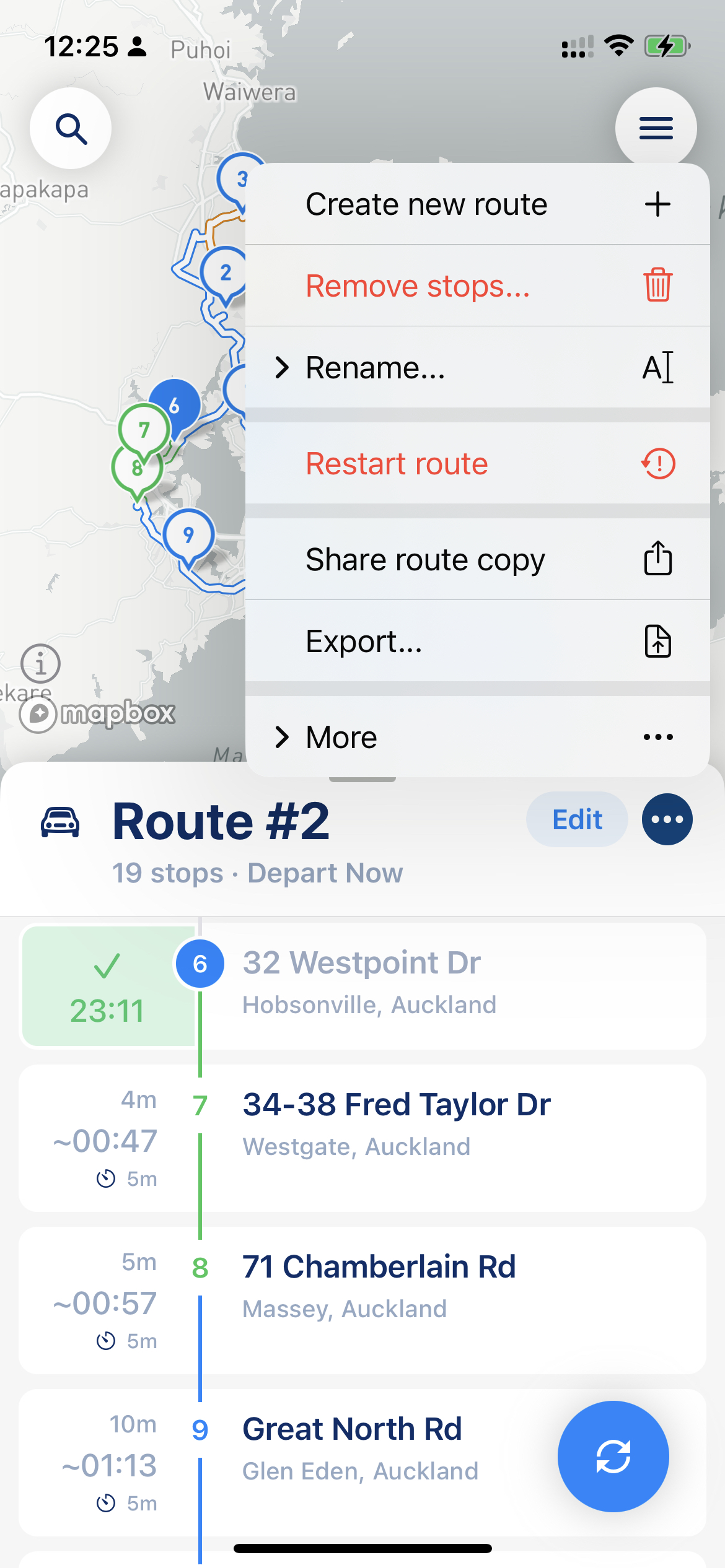
To create a new route, tap the "…" button in the route header (next to the route name) and choose "New Route". You can also tap "+" in the Routes list. Your current route is saved automatically in the Routes list.
Route menu on the main screen
{% hint style="info" %}
Don't worry, you will not lose your current route or its history. The app saves the current route and all its data automatically.
{% endhint %}
From the same "…" menu you can also [export](/v3/guides/export-your-route-and-share-it-with-others.md) the route or [share it with others](/v3/guides/export-your-route-and-share-it-with-others.md#share-route-copy) ("Export & Share"). What else the menu offers depends on the route status: for example, "Edit Route", "Complete Route" and "Reoptimize Route" for a route in progress, and "Delete Stops…" for a route you are planning. Under "More" you can find "Duplicate Route", "Copy Stops…", "Reverse Stop Order" and "Restart Route".
To rename a route you are planning, tap the edit (pencil) button in the route header and then tap the route name. You can rename any route in the Routes list.
## Where do you find all your routes?
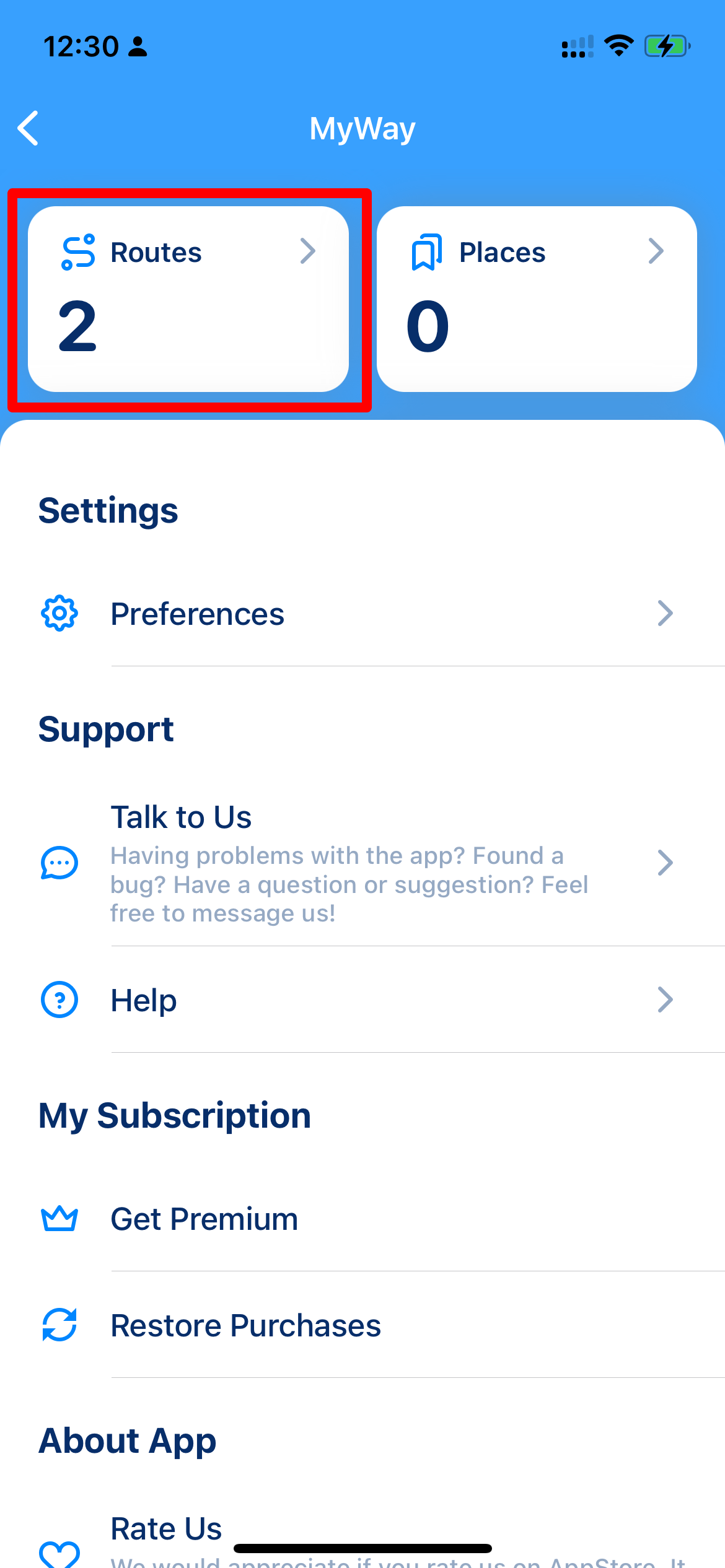
All routes are stored in the Routes list. To open it, tap the menu button (three lines, top right corner of the map) and then the "Routes" tile.
Main Window
Menu
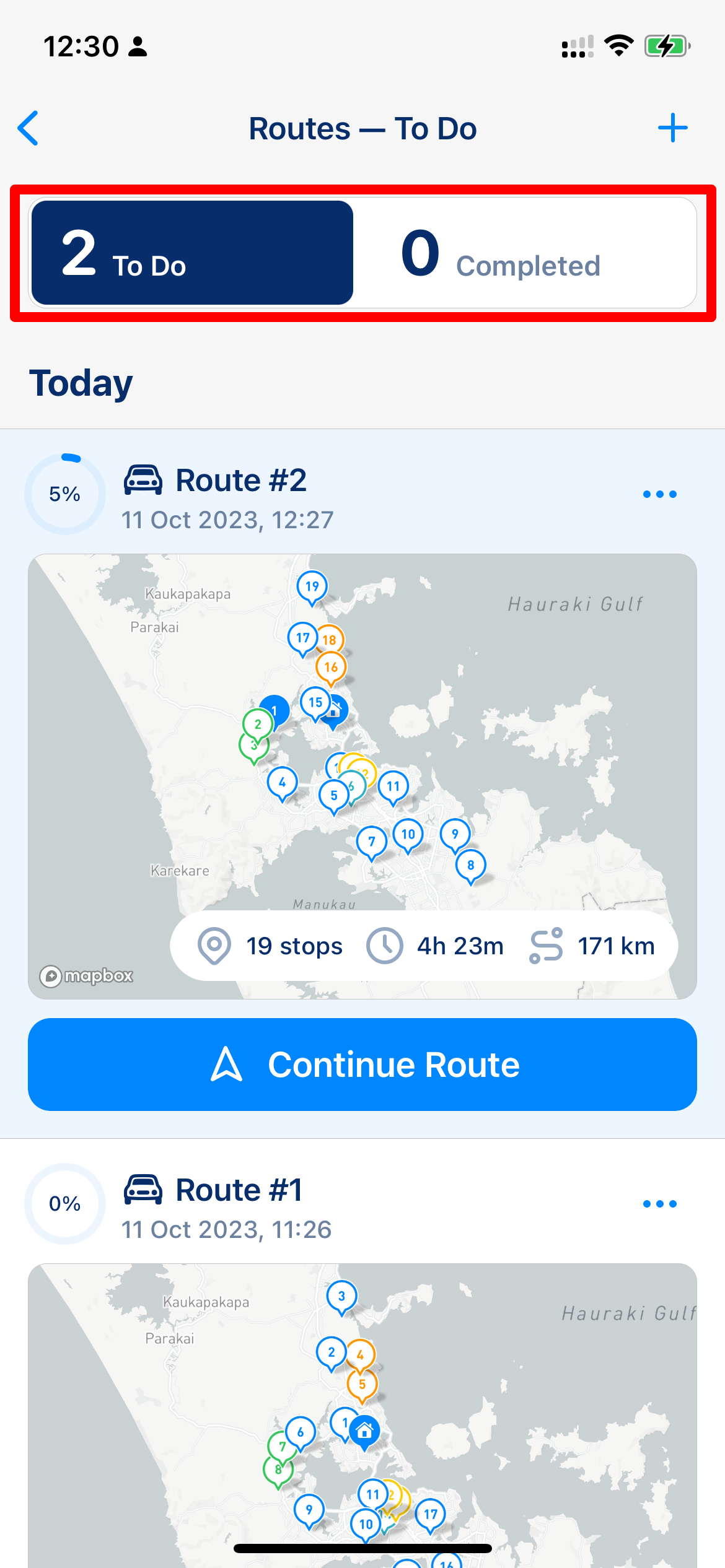
Routes
Routes are grouped by date. Each route shows its progress, a map preview, the number of stops, the distance and the time. To go back to the route you are following, tap "Continue Route".
* Tap "Routes" at the top to show "All", "Scheduled" or "Completed" routes.
* Tap the calendar button to show routes for a date range, for example, "This Week" or "Last 30 Days".
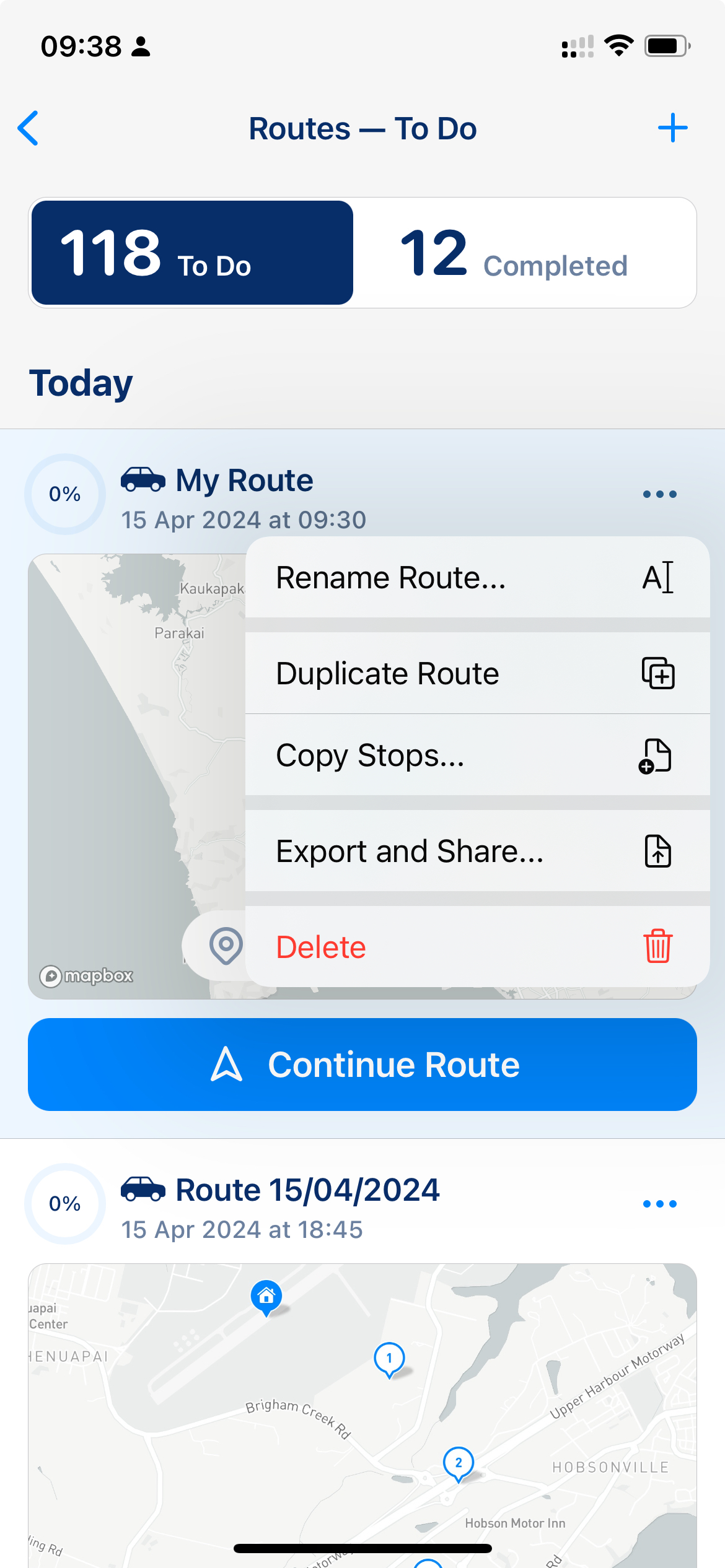
Each route in the list has its own "…" menu: "Rename", "Duplicate", "Copy Stops", "Report" (to [download a route report](/v3/guides/export-your-route-and-share-it-with-others.md#files-export)) and "Delete Route".
Route menu in the Routes list
{% hint style="warning" %}
Your routes are saved on your device. MyWay sends route data to our servers only when a feature needs it, for example, to optimize a route or to create a link to share it. If you want to know more about how we store your data, please check [this article](/v3/faq/your-privacy-and-where-we-store-your-data.md).
{% endhint %}
## Duplicate route and Copy Stops
### Route Duplicate
You can make a complete copy of a route. Go to the Routes list, find the route you want to duplicate, tap "…" next to it and choose "Duplicate". The copy keeps the stops and route settings (like vehicle type, start location, etc.), but not the progress, and it becomes your active route.
### Copy Stops
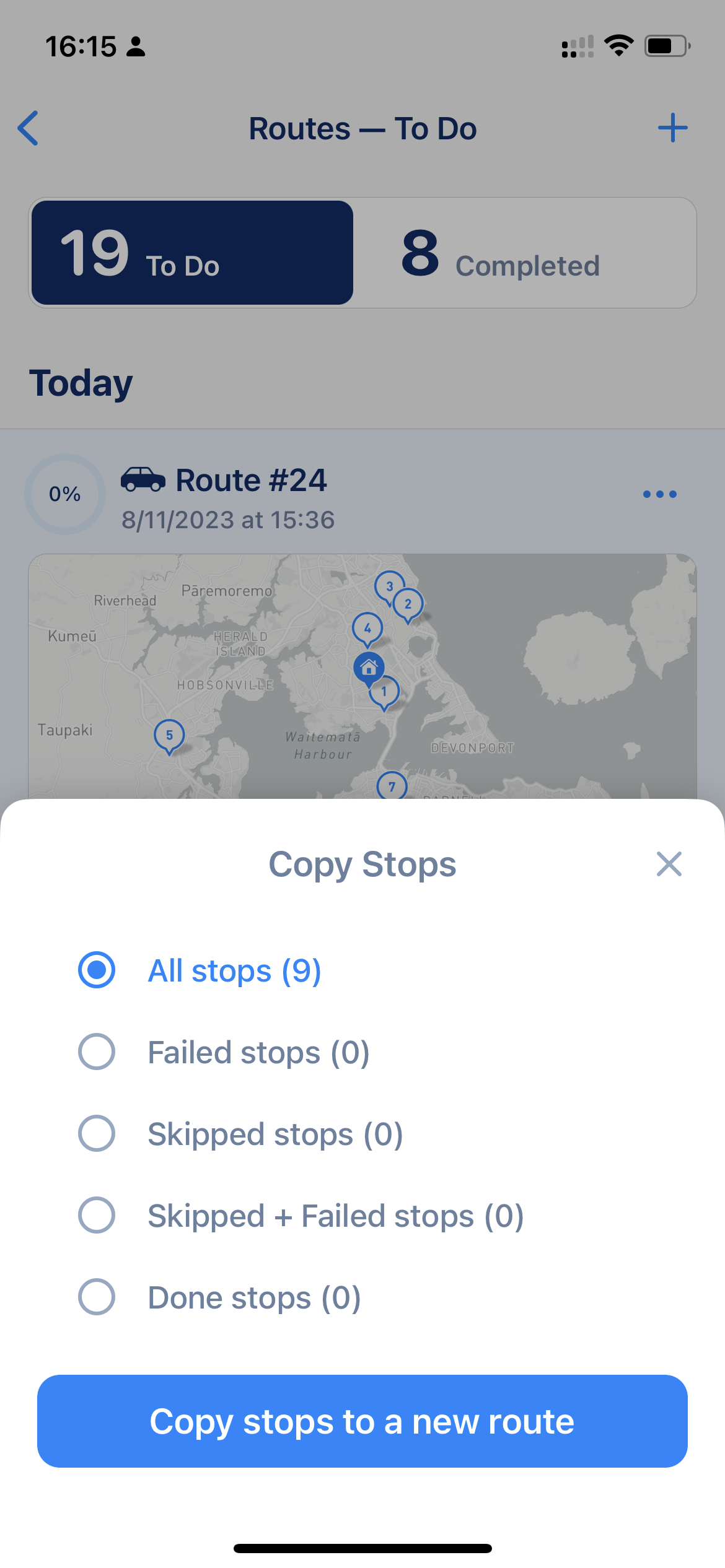
"Copy Stops" lets you quickly move some stops from a route to a new one. Choose which stops to copy: "All", "Failed", "Incomplete", "Failed + Incomplete" or "Completed", then tap "Copy to New Route". The stops are copied with their settings.
Copy Stops options
{% hint style="success" %}
Pro Tip: When you complete your route (ideally, complete routes even if there are unfinished stops), the app shows you the route summary with the "Copy Stops to New Route" button. Choose "Failed + Incomplete" there, and you get a new route with the missed stops in one tap.
{% endhint %}
## Complete your route
You can complete a route in two ways: tap "Complete Route" at the end of the stop list, or tap "…" in the route header and choose "Complete Route". If some stops are still unfinished, MyWay tells you how many and asks you to confirm with "Complete Route Anyway".